
Video Doorbell Laws are an increasingly important topic as smart home security systems become more common in residential and commercial spaces. These laws govern where you can install video doorbells, what you can record, and how you must handle privacy and data protection — especially when footage may capture neighbors, public areas, or private property. Understanding Video Doorbell Laws helps you comply with local regulations, avoid legal issues, and ensure that your smart security setup is both effective and respectful of others’ rights. In this guide, we’ll break down the key legal considerations for installing and using video doorbells responsibly.
- Check local laws and HOA rules before installing; placement over public sidewalks may be restricted and cause fines.
- Disable or limit audio recording in two-party consent states; obtain consent or post clear notice to avoid wiretapping violations.
- Angle cameras and use privacy zones to focus on your property and avoid capturing neighbors' private spaces.

Before installing a device like the Ring Battery Doorbell Plus or the Google Nest Doorbell (battery), your first step must be to review local municipal codes and your Homeowners Association (HOA) covenants. Many jurisdictions have specific ordinances governing the placement of these devices, particularly regarding their field of view over public sidewalks or streets. Non-compliance can result in fines or mandated removal, turning a security upgrade into a costly legal issue.
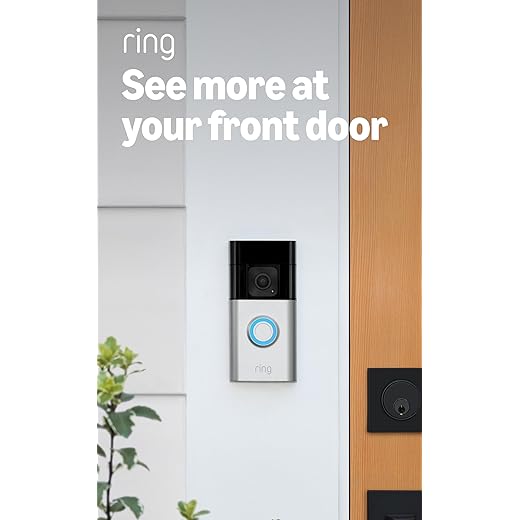
Ring Battery Doorbell Plus (newest model), Home or business security, Head-to-Toe HD+ Video, motion detection & alerts, and Two-Way Talk
The core tension lies between a resident’s right to monitor their own property and the reasonable expectation of privacy afforded to others. While you generally may record activity on your own doorstep, a camera that continuously captures your neighbor’s living room window or a public park crosses a line. This is where notice becomes critical: clearly posting signage that surveillance is in operation can strengthen your legal position and manage expectations.
Audio recording introduces a significantly stricter layer of regulation under wiretapping laws. In most states, including those with “two-party consent” statutes, you are legally required to obtain the consent of anyone whose conversation is captured. A product like the Arlo Essential Wired Video Doorbell allows you to disable audio capture in its settings–a prudent step to avoid inadvertently violating these stringent rules.
Proactive communication with your neighbors is not merely courteous; it’s a strategic risk mitigation tactic. Inform them of your device’s coverage area, such as the 180-degree view of the Eufy Security S220, and discuss any concerns. This transparency can prevent formal complaints and foster a cooperative environment, ensuring your security measures don’t become a source of community conflict.

eufy Security SoloCam S220, Solar Security Camera, Wireless Security Camera Outdoor, 2K Resolution, Continuous Power, No Monthly Fee, HomeBase 3 Compatible,...
Understanding Core Legal Principles for Video Doorbells
Install your device so its lens primarily covers your own property line, like your front porch and walkway, to minimize capturing a neighbor’s windows or door. The Ring Doorbell (2025 model) offers adjustable motion zones for this precise control.
Provide clear visual notification through signage, such as a sticker stating “Audio and Video Recording in Progress,” which satisfies legal notice requirements in many jurisdictions and informs visitors.
Disable audio capture in your device settings if your local regulations treat it as a stricter form of surveillance; a product like the Google Nest Hello allows you to turn off sound recording independently from video.
Obtain explicit consent for recording inside your home if the unit’s field of view includes interior spaces, as expectations of privacy are highest there.
Directly communicate with adjacent residents about your security system’s scope, offering to adjust angles and sharing how data is stored, which can prevent disputes over perceived intrusion.
Regularly delete stored footage from cloud services or local storage, as retaining recordings indefinitely increases liability and is often disproportionate to legitimate security needs.
Understand that pointing a camera, like the Arlo Essential, directly across the street to monitor public sidewalks may transform permissible monitoring into actionable harassment in some areas.
Check homeowners’ association (HOA) covenants and local municipal codes, as they may have specific rules about the placement and appearance of these electronic sentinels beyond state law.
One-Party vs. Two-Party Consent for Audio Recording
Check your state’s wiretapping statute immediately, as this is the single most critical factor for audio capture. The distinction between one-party and two-party (or all-party) consent governs whether your device’s sound recording feature is lawful.
In one-party consent states, you may record a conversation if you, as the device owner, are a participant. This typically covers interactions like you speaking with a delivery person through your Ring Video Doorbell (2025) or Amazon Astro for Home. Your awareness satisfies the “consent” requirement.
In two-party consent states, all participants must be informed and agree to the audio recording. This creates a significant compliance hurdle for continuous audio surveillance that captures conversations between guests or neighbors on your property without their knowledge. A simple visual notice is often insufficient for audio; explicit verbal consent may be required.
| Consent Type | Key Requirement | Practical Implication for Devices |
|---|---|---|
| One-Party | Only one participant (you) must consent. | Devices like the Google Nest Doorbell (battery) can legally record audio during your live interactions if your state law permits. |
| Two-Party (All-Party) | Every person in the conversation must consent. | Continuous audio recording from an Arlo Essential Wired Video Doorbell could violate statutes unless clear, audible announcements or posted warnings secure implied consent. |
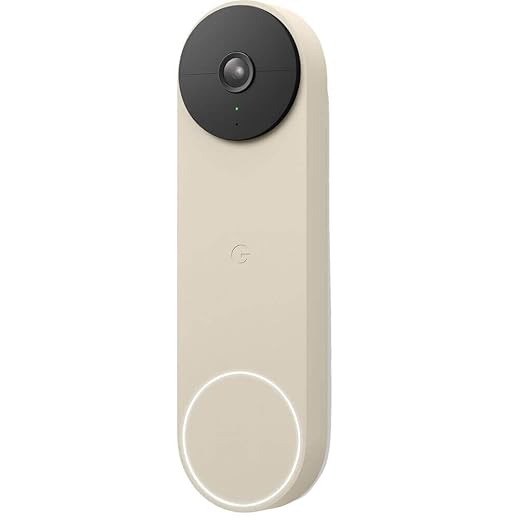
Google Nest Doorbell (Battery) - Linen
To mitigate risk in two-party jurisdictions, disable continuous audio recording in your device’s app. Use models that only activate audio during live view or two-way talk sessions you initiate, like the Eufy Security S340. Furthermore, provide unambiguous notice. A decal stating “Audio and Video Recording in Progress” at your property line can help establish implied consent and inform neighbors.
Remember, these statutes apply to conversations where individuals have a reasonable expectation of privacy. Recording purely public noise from the street differs from capturing a private chat between two people on your doorstep. When in doubt, prioritize visual monitoring over audio capture to protect yourself from civil liability or criminal wiretapping charges.
Defining “Reasonable Expectation of Privacy” for Neighbors
Direct your security device’s field of view primarily at your own property boundaries, such as your front door and porch, to minimize conflict. The core legal test is whether a person can reasonably expect their activities to be private from surveillance. A neighbor in their fenced backyard or behind closed blinds generally has this expectation; someone on a public sidewalk or visibly in their front yard typically does not.
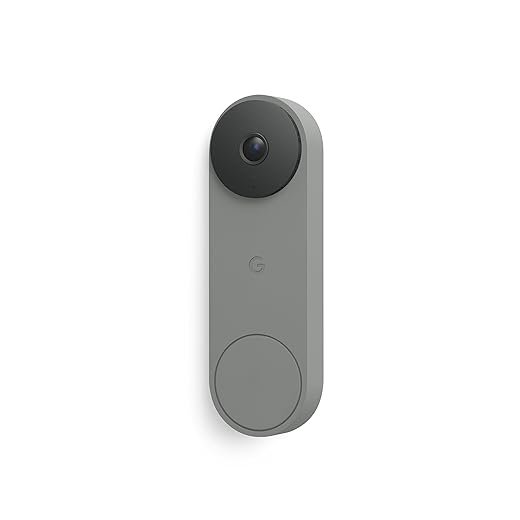
Google Nest Doorbell (Wired, 3rd Gen) - 2K Video and Gemini, Live View, Night Vision, 2-Way Audio - Works with Google Home - 2025 Model - Hazel
For devices like the Ring Video Doorbell Pro or Google Nest Doorbell (battery), angle the mount to avoid capturing a neighbor’s windows or doors. If partial capture is unavoidable, use privacy zones in the app to mask those areas from the recording feed. This demonstrates good faith and aids in compliance with nuisance laws.
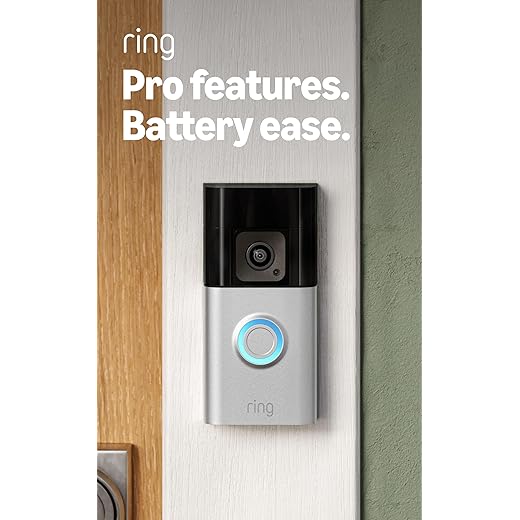
Ring Battery Doorbell Pro (newest model), Home or business security, Two-Way Talk with Audio+, 3D Motion Detection, and 1536p HD+ Head-to-Toe Video
For audio capture, which is often more intrusive, explicit consent is a higher standard. Even in a one-party consent region, a device that records conversations between neighbors on their property without their knowledge may violate their expectation of privacy. Muting audio or using models with clear audio notice features, like the Eufy Security Video Doorbell Dual‘s audible chime upon recording, can mitigate risk.

eufy Security Video Doorbell E340, 2K Full HD Dual Cameras & Head-to-Toe View, Doorbell Camera Wireless & Wired, Delivery Guard, Color Night Vision, Two-Way...
Provide clear notice through visible placement of the device and consider a polite conversation with adjacent households. Proactively sharing your device’s coverage map can preempt disputes. This transparency transforms passive surveillance into a recognized security measure, fundamentally altering the “reasonableness” of any privacy expectation in shared sightlines.
Your Property Line: Where Your Rights Typically End
Check the exact location of your unit’s perimeter; a device like the Ring Video Doorbell Pro 2 must be mounted on your own door or siding, not on a shared hallway wall in a condo. Your authority to record generally stops at the edge of your lot. Pointing a camera, such as the Google Nest Doorbell (battery), directly into a neighbor’s bedroom window is a clear violation, even if the lens is on your land.
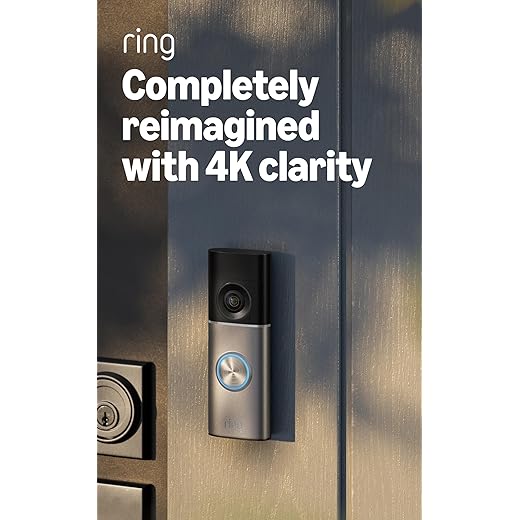
Ring Wired Doorbell Pro (newest model), Home or business security, Retinal 4K with wide-angle video, 10x Enhanced Zoom, and Low-Light Sight, Deep Silver
For audio capture, compliance is stricter. If your gadget records conversations on a public sidewalk, you may need to follow two-party consent statutes. Provide clear notice with signage to inform passersby. The Arlo Essential Wireless Doorbell offers a privacy shield to disable audio recording entirely, a useful feature for avoiding disputes.
Adjust the field of view in the app to minimize capturing the interior of adjacent homes. Regular maintenance, like cleaning the lens of a Eufy Security Video Doorbell Dual, ensures the focus remains on your entryway and not on neighboring property. Proactive communication with neighbors about your surveillance setup and its scope can prevent conflicts more effectively than any legal defense after a complaint is filed.
HOA, Lease, and Local Ordinance Restrictions
Before installation, check your Homeowners Association (HOA) Covenants, Conditions, and Restrictions (CC&Rs) or rental lease agreement. These documents often supersede general permissions.
HOAs may regulate device appearance, placement, and even audio capabilities to maintain community aesthetics. For instance, a requirement for “bronze-finish hardware” could prohibit a popular white model like the Ring Video Doorbell Pro. Non-compliance can result in fines or a demand for removal.
Tenants must obtain written landlord consent. A lease may forbid any modifications to the exterior door or require specific mounting methods. Provide your landlord with a formal notice detailing the model (e.g., Google Nest Doorbell (battery)) and its data handling policies to address their liability and privacy concerns.
Municipal codes are critical. Some cities, like Portland, have ordinances limiting surveillance of public sidewalks. Others may classify certain devices as “intercom systems” requiring a permit. Contact your local planning or building department to inquire about specific recording and installation rules for your property.
For multi-unit buildings, angle the camera field solely toward your own entryway. Use privacy zones or physical wedges to avoid capturing a neighbor’s door or windows, which may violate both HOA rules and local laws.
Navigating Disputes with Neighbors Over Camera Placement
Initiate a calm, in-person conversation before the situation escalates, focusing on specific concerns rather than making accusations.
Prepare for the discussion by reviewing your device’s technical specifications. For instance, the Ring Battery Doorbell Plus has a 150-degree horizontal field of view, while the Google Nest Doorbell (battery) offers a 145-degree view with 3:4 aspect ratio. Know if your unit has audio recording and whether your region requires one-party or two-party consent. This data allows you to address precise issues like lens coverage.
Offer practical compromises during your talk:
- Adjust the angle to minimize viewing of their windows or private yard space.
- Use privacy zones in the companion app (a standard feature on models like the Arlo Essential Wireless Doorbell) to digitally mask areas of the live feed and recordings.
- Disable audio recording if it’s a primary concern and legally permissible.
- Share limited access to live feeds for specific, agreed-upon purposes, like monitoring a shared driveway.
If the conversation stalls, provide formal, written notice of your surveillance system’s placement and purpose. This document should state the camera’s field of view, that recording is in progress, and your contact information. This step often fulfills legal requirements for notice and creates a record.
When amicable resolution fails, escalate through these channels in order:
- Mediation: A neutral third-party mediator, often provided by community services, can help forge a binding agreement without court.
- Formal Complaints: File a complaint with your Homeowners’ Association (HOA) or landlord, citing specific covenant or lease violations.
- Local Authorities: Contact municipal code enforcement if your setup potentially violates local ordinances regarding surveillance on your property.
- Legal Action: Consult an attorney to evaluate claims of nuisance or invasion of privacy. Conversely, be prepared if your neighbor files a suit, as your documented efforts at compromise and provided notice will be critical evidence.
Always document every interaction, including dates, discussed compromises, and any agreements reached. Photograph the actual camera perspective from the neighbor’s standpoint to objectively show what is captured.
When a Camera Points at a Neighbor’s Front Door or Windows
Immediately adjust the device’s field of view or use privacy masking features if its lens captures a neighboring entrance or windows. Modern security gadgets like the eufy Security S340 or Arlo Essential Wired Video Doorbell offer digital zoning to block specific areas from recording, a critical first step.

Arlo Essential Video Doorbell - HD Video, 180° View, Night Vision, 2 Way Audio, Direct to Wi-Fi No Hub Needed, Wire Free or Wired, White - AVD2001

eufy Security SoloCam S340, Solar Security Cameras Wireless Outdoor, Cameras for Home Security, 360° Pan & Tilt Surveillance, No Blind Spots, 2.4 GHz Wi-Fi,...
This situation hinges on intent and the captured imagery’s nature. Continuous surveillance of a private space, even from your own land, can create liability. Courts often examine:
- Scope: Is the entire doorway or a single window pane incidentally in view, or is it the primary focus?
- Function: Does the angle primarily protect your own entry, or does it deliberately monitor their comings and goings?
- Data Use: Is footage ever reviewed or used to comment on their activities? This escalates conflict.
Technological solutions are your most straightforward tool. Beyond digital masking, consider:
- Switching to a peephole-style interior cam (e.g., Ring Peephole Cam) that only activates with your door’s motion.
- Using a model with a narrow, customizable activity zone, physically angling the housing away.
- Opting for a device without audio recording, as sound capture often involves stricter consent statutes.
If a next-door resident complains, propose a concrete remedy. State: “I’ve enabled a privacy zone on my gadget that obscures your door from all recordings. You can verify the blinded angle on my app’s live view.” Documentation is essential; save screenshots showing the corrected camera perspective.
Persistent issues may require a professional installer to reposition the unit or the installation of a physical baffle or shield. Ultimately, if the sightline cannot be sufficiently narrowed, local statutes or civil nuisance claims may compel its removal, regardless of property boundaries.
Question-Answer:
Can my neighbor’s video doorbell point at my front door or yard?
It depends on local laws and the specific angle. Generally, recording a public area like the street or your own property is legal. However, if the camera is positioned to deliberately capture the interior of your home through windows or exclusively monitors a private area like your backyard, you may have a legal claim for invasion of privacy. Many disputes are resolved by talking to your neighbor and asking them to adjust the angle. If that fails, checking your state’s specific laws on surveillance and potentially consulting with a lawyer is the next step. Laws often balance security interests with reasonable expectation of privacy.
Do I have to put up a sign saying I’m recording with a video doorbell?
Notification requirements vary. In most U.S. states, as you are recording audio and video in an area where people do not have a strong expectation of privacy (your doorstep), explicit consent is not always required. However, eleven states (including California, Delaware, and Washington) require “two-party” or “all-party” consent for audio recordings. This means you must inform visitors they are being recorded with sound. A visible sign or a clear notice within the doorbell’s field of view is a common way to fulfill this. For video-only, signs are less commonly mandated but are often recommended as a deterrent and for transparency.
What can I do if a tenant installs a video doorbell without my permission?
As a landlord, your rights are typically outlined in the lease agreement and property laws. Most standard leases require tenant permission for alterations or installations that modify the property. You can usually prohibit the installation if it involves drilling, wiring, or changes to the building’s exterior. The best approach is to address this in your rental agreement. If a tenant installs one without asking, you can request its removal, citing lease terms. However, be aware that tenants have a right to security. A compromise might be allowing a non-permanent, battery-operated model that doesn’t damage the property, provided it follows privacy laws regarding common areas.
Can footage from my video doorbell be used as evidence in court?
Yes, in most cases, video doorbell footage is admissible as evidence in civil and criminal courts, provided it is relevant to the case. The key is establishing its authenticity—you must be able to verify when and where it was recorded and that it hasn’t been altered. The footage must also be obtained legally, meaning your doorbell complies with privacy laws regarding audio recording and surveillance. For example, if your state requires consent for audio and you didn’t provide notice, the audio portion might be excluded. Courts generally view such footage as a reliable, contemporaneous record of events.
Are there places where I’m definitely not allowed to install a video doorbell?
Yes, there are clear restrictions. You cannot install a video doorbell in any location where people have a legally recognized reasonable expectation of privacy. This includes inside someone else’s home, bathrooms, changing rooms, or a neighbor’s enclosed backyard. Additionally, rules often prohibit recording in certain common areas of apartment buildings, like hallways or laundry rooms, if the building’s policy or state law defines them as private spaces. Recording exclusively onto a neighbor’s private property is also problematic. Always check your local ordinances and Homeowners Association (HOA) rules, as they may have specific bans or guidelines on placement and recording capabilities.


